


 Contact Us


 Other Insurance
How to Download Car Insurance Policy Copy Online?
Date: Jul 10, 2024 - Last Modified Aug 6, 2026


Understanding the complexities of car insurance, especially the documentation part can be difficult. You might not know which document is important, which isn’t, how and why to carry these documents with you, etc. One such document is your car insurance copy.
Whether due to loss or misplacement, having access to a duplicate copy of your car insurance is important. In this blog, we will talk about how to easily download insurance copy online by your vehicle number.
Importance of Having a Duplicate Insurance Copy for Your Car
Car insurance is more than a legal requirement—it's an important part of your vehicle’s protection. It helps cover costs from accidents, theft, and other types of damage.
Having a way to download an insurance copy quickly means you can always provide proof of insurance when needed, helping you avoid legal issues and making the claims process smoother. Always check your car insurance status online to ensure your coverage is up-to-date and accessible whenever you need it.
How to Download Your Car Insurance Policy?
Gone are the days of sifting through files for insurance papers. Digital advancements allow you to download the car insurance policy effortlessly. Here’s how you can keep your insurance information accessible and secure:
From Your Insurer’s Website:
- Visit your insurance provider’s official website.
- Log in with your credentials, which might include your policy number and registered contact details.
- Navigate to the dashboard or the specific section for policy documents.
- Find the option for downloading your insurance policy, usually labelled as ‘Download Policy’ or ‘Get Policy Copy’.
- Upon clicking, you might receive a verification code or link on your registered email or phone number to access your policy.
Using Government Resources:
The Ministry of Road Transport and Highways (MoRTH) offers another avenue through its portal.
Enter your vehicle’s registration number under the 'Know Your Vehicle Details' section.
This service not only shows your car insurance status but also lets you download the policy directly if available.
Through the Insurance Information Bureau (IIB):
Ever wondered how to check vehicle insurance and other insurance details online easily? For a more detailed look at your insurance details, you can visit the Insurance Information Bureau (IIB) website and utilize their 'V-Seva' service.
By entering your vehicle registration number, the IIB provides a detailed breakdown of your insurance coverage, including the name of the insurer, your policy number, and the dates of policy validity.
This makes it easy to verify the accuracy of your insurance details and ensures that you remain compliant with legal requirements. Accessing this information can be particularly useful when renewing or changing your insurance policy.
Conclusion:
Having quick access to your car insurance documents is important. With the availability of online resources today, you can easily download a copy of your car insurance to ensure you are always prepared for routine checks or unforeseen events. Always check your insurance status online to confirm that your coverage is up-to-date and sufficient.
For peace of mind and added security while driving, consider the enhanced coverage options offered by SBI General Insurance's Private Car Insurance Policy. This policy not only protects your vehicle but also protects you against a variety of potential risks on the road. With features like 6697 cashless garages, a high motor claim settlement ratio of 98%, and comprehensive coverage for accidental damage, third-party liability, and personal accidents, it’s designed to provide strong all-rounder protection.
Investing in SBI General Insurance's car insurance package allows you to drive with confidence and security, knowing that you and your vehicle are well-protected. Enjoy your journeys without worry, knowing that you have reliable coverage at your fingertips.
FAQ's
Can I download my car insurance policy copy if my policy has expired?
Yes. Even if your car insurance policy has expired, you can still download the policy copy for reference, renewal, or record purposes by logging into your insurer’s website or app using your registered details.
2. Will my car insurance policy copy show claim history or coverage details?
A downloaded car insurance policy copy primarily includes coverage details, policy period, and insured vehicle information. Claim history is usually not shown in the policy document and can be accessed separately through the insurer’s customer portal.
3. Can I download my car insurance policy on a new mobile number or email ID?
Policy documents can usually be accessed using the contact details registered at the time of purchase. If your mobile number or email ID has changed, you may need to update your details with the insurer before downloading the policy copy online.
4. Is it safe to download my car insurance policy from public or shared devices?
For security reasons, it is advisable to download your car insurance policy only from trusted devices and secure networks. Always log out after accessing your policy and avoid saving documents on public or shared computers.
5. Do I need to download a fresh policy copy after renewal or endorsement?
Yes. After renewing your car insurance or making any endorsement such as a change in address or vehicle details, downloading the updated policy copy ensures you always carry the most accurate and valid document.
This blog is intended solely for educational and informational purposes. Content reflects data at time of publication and may not accurately reflect current premiums, terms, or regulations. Readers are encouraged to confirm the accuracy and relevance of the data before making any significant decisions. SBI General Insurance disclaims responsibility for any errors or consequences arising from the use of outdated information provided herein. For more details, please refer to the policy wordings and prospectus before concluding the sales. *Add-ons are subject to payment of additional premium.
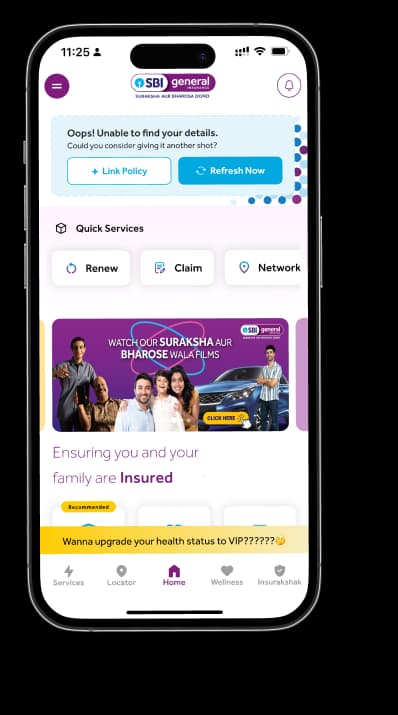
Access and manage all your Insurance Needs in one place, right at your Fingertips.



4/5*
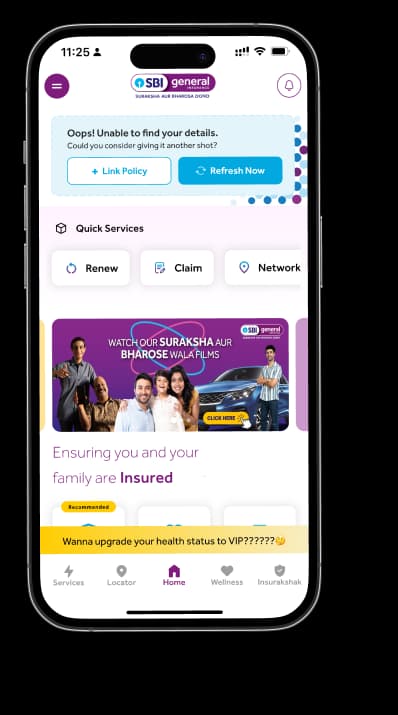
Access and manage all your Insurance Needs in one place, right at your Fingertips.


Vision
Our vision is to become the most trusted general insurer for a transforming India.
Mission
Our mission is to provide simple and innovative general insurance solutions, be responsive to our customers' needs and build a sustainable business for the future.
We're socially active!