


 Contact Us

 Other Insurance
E-Challan in Gandhinagar : Check Status and Pay Gandhinagar Challan Online
Date: Dec 31, 2025 - Last Modified Dec 31, 2025


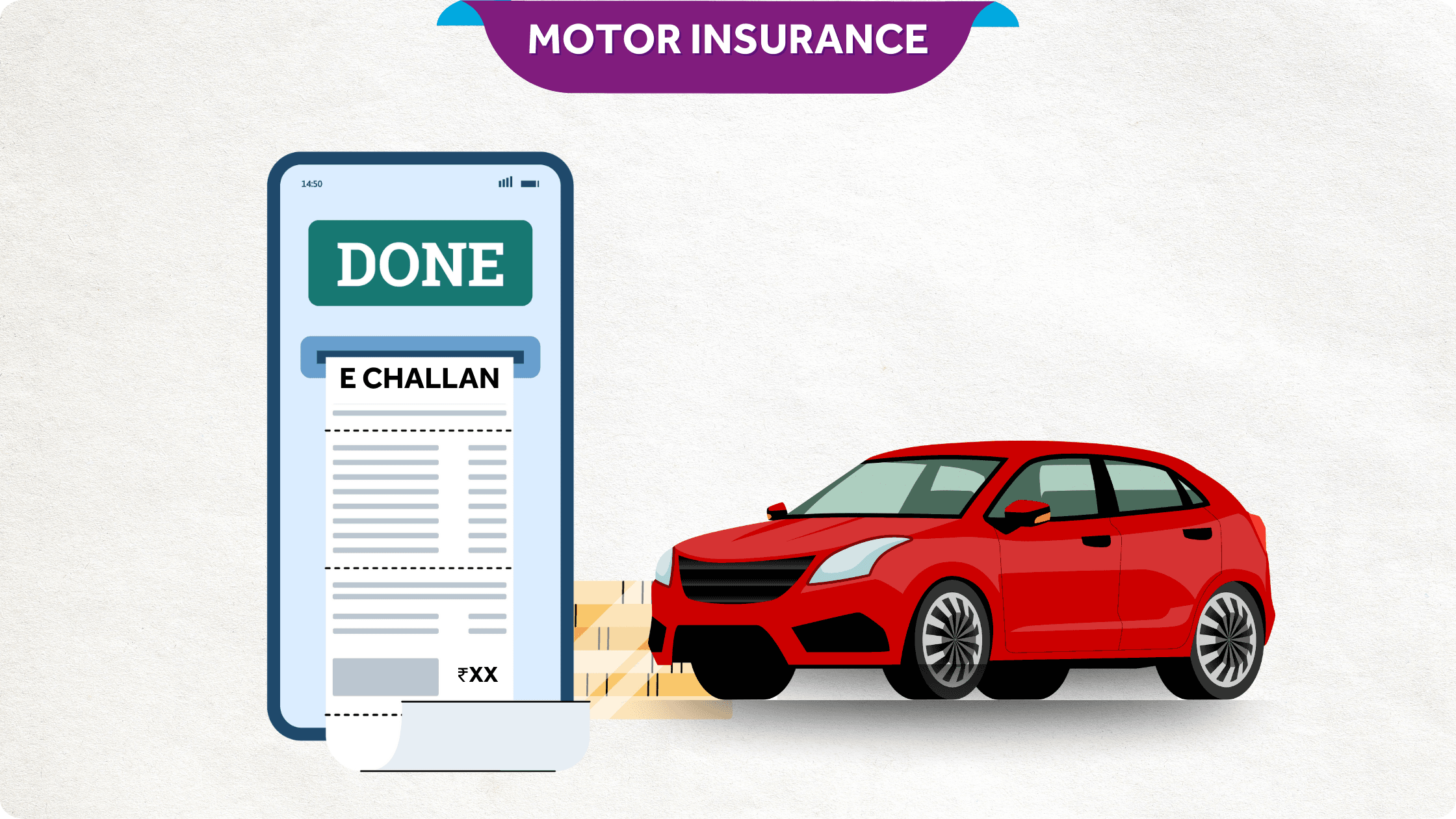
Responsible driving is important for both car and bike users to keep the roads safe. Following the regulations of the road in Gandhinagar is a must. If caught breaking traffic laws while driving, you will get an e-challan right away.
What is an E-Challan?
If you break the regulations of the road, you will get an e-challan, which is an electronic ticket. It is given out to make sure that people in Gandhinagar respect the traffic regulations. This electronic challan is different from the old-fashioned challan system and is given out right away when someone breaks a traffic law. The e-challan is better than the old-fashioned challan, which was written by hand.
Benefits of the E-Challan System
Issuance right away
It only takes a few minutes to get an e-challan in Gandhinagar through SMS when caught breaking traffic rules.
Open and honest
The e-challan process is also quite clear. This is because the website has all the information on the e-challan, and it also sends out notifications.
Efficiency
The computerized technology speeds up the process of issuing the challan by hand, making it more efficient.
Improved Accuracy
Using e-challans lowers the risk of mistakes that can happen when challans are written out by hand.
How Does E-Challan Work in Gandhinagar?
CCTV cameras are set up on roads and highways in Gandhinagar to make sure that e-challan works properly. This makes it easy to see right away if someone breaks a traffic law. This capture makes it easy to give out the e-challan in Gandhinagar, even if there aren't any police officers around.
Also, the amount of the traffic fee is based on the type of traffic infringement, and an e-challan notice is issued to the violator's registered mobile number. In general, the e-challan system makes it easier to give out challans and collect fines.
How to Perform an E-Challan Check Online?
To check a Gandhinagar e-challan, always use the official government platforms. They show the most accurate challan status, payment details, and receipt history.
Through the Parivahan Website
1. Open the Parivahan e-challan portal and choose “Check Challan Status”.
2. Enter the vehicle registration number, challan number, or driving licence number.
3. Submit the captcha to view e-challan details (offence, fine, date, and status).
4. If the challan is pending, pay online and save the acknowledgement.
Through the mParivahan App
1. Download the mParivahan app from your phone’s app store.
2. Go to e-challan/traffic services and enter your vehicle or licence details.
3. You can view the paid and pending e-challans in Gandhinagar in a few steps.
Latest Traffic Violations & Penalties in Gandhinagar:
| Type of Offence | Old Fine | New Fine |
| Driving under the influence of alcohol | ₹1,000-1,500 | ₹10,000 and/or 6 months imprisonment |
| Riding without a helmet | ₹100 | ₹1,000 and scrapping of the licence for 3 months |
| Driving without seat belts | ₹100 | ₹1,000 |
| Using a mobile phone while driving | ₹500 | ₹5,000 |
| Driving without a valid driving licence | ₹500 | ₹5,000 |
| Triple riding | ₹100 | ₹1,000 |
| Driving without valid insurance | ₹200-400 | ₹2,000-4,000 |
| Driving without a valid PUC | ₹1,000 | ₹10,000 and/or 6 months or imprisonment |
| Dangerous driving | ₹500 | ₹5,000 |
| Obstructing the way for emergency vehicles | ₹1,000 | ₹10,000 |
| Overspeeding | ₹500 | ₹25,000 and 3 years of imprisonment, cancellation of vehicle registration for 1 year, and being ineligible for getting a driving licence until of 25 years age |
| Signal jumping | ₹500 | ₹5,000 |
Disclaimer: Any information shared in this guide is for general awareness and educational purposes. Rules and procedures may vary across states and be changed at any time. Kindly verify with the relevant official authorities or government websites before making any decisions.
How to Pay Your E-Challan?
To pay your Gandhinagar e-challan, complete these steps:
- Paying e-challans on the Parivahan website is easy and clear.
- Under the "Submit" button, go to the bottom of the page and click on "Get Challan Details".
- You can see any e-challans that are still open by entering the challan number, the vehicle number, or the number on your driver's licence.
You can also pay the traffic challan in person at the local Regional Transport Office (RTO).
FAQs
1) What is e-memo, and is it different from e-challan?
In most cases, 'e-memo' in Gandhinagar is just a common way of referring to the same digital traffic challan. The status and payment process remain the same through Parivahan/mParivahan.
2) In whose name will the Gandhinagar traffic challan be issued?
Usually, the challan is linked to the vehicle's registered owner's details. In some cases, it may also be mapped to the driving licence involved in the violation.
3) How to check pending e-challans in my city, including Gandhinagar?
Use the Parivahan portal and search using your vehicle number, challan number, or driving licence number. This is the standard way to check e-challan in Gandhinagar and other cities.
4) How to verify the challan payment?
After paying, search again on the official portal using the same details and confirm it shows “paid”. Keep the receipt or transaction reference saved for records.
5) How can I download the e-challan status file or receipt?
After payment, the confirmation screen usually allows you to save or print the acknowledgement. If a download option is not visible, keep a clear screenshot as backup proof.
6) How do I pay traffic fines online in Gandhinagar?
First, open your challan on Parivahan, then select the pending challan and proceed to payment. Once done, save the payment acknowledgement for future reference.
7) How to report a wrong traffic challan in Gandhinagar?
If you believe the challan is incorrect, please collect details such as the date, time, location, and any supporting proof, and then raise a complaint through the official grievance route. You can also approach the local traffic police office for help.
8) Can I do an e-challan check through the vehicle registration number?
Yes, the vehicle registration number is one of the easiest ways to check e-challan in Gandhinagar. It works even when you don’t have the challan number.
This blog is intended solely for educational and informational purposes. Content reflects data at time of publication and may not accurately reflect current premiums, terms, or regulations. Readers are encouraged to confirm the accuracy and relevance of the data before making any significant decisions. SBI General Insurance disclaims responsibility for any errors or consequences arising from the use of outdated information provided herein. For more details, please refer to the policy wordings and prospectus before concluding the sales. *Add-ons are subject to payment of additional premium.
Access and manage all your Insurance Needs in one place, right at your Fingertips.



4/5*
Access and manage all your Insurance Needs in one place, right at your Fingertips.


Vision
Our vision is to become the most trusted general insurer for a transforming India.
Mission
Our mission is to provide simple and innovative general insurance solutions, be responsive to our customers' needs and build a sustainable business for the future.
We're socially active!