

 Contact Us


 Other Insurance
How to Check Vehicle Owner Details by Number Plate in Mumbai?
Date: Jul 16, 2026 - Last Modified Jul 28, 2026


Checking vehicle-related information has become much easier with online transport services. Whether you are planning to buy a used vehicle or simply want to verify registration details, official platforms help you access useful information in a simple way. Understanding the available services also helps you complete vehicle verification with greater confidence. Let us understand the process in detail.
What Information Can You Find from a Mumbai Vehicle Number Plate?
A vehicle registration number can provide useful information when searched through official transport platforms. However, only limited details are available to the public for privacy and security reasons.
Details that are publicly accessible:
By using official portals, you can check vehicle details such as:
Registration date
Vehicle class
Fuel type
Registration authority
Fitness status, where applicable
Insurance and pollution certificate status, if available
Many used car buyers review this information before scheduling a vehicle inspection.
Details that are restricted or not visible online:
While searching for vehicle owner details by number plate, personal information is protected. Sensitive details such as the owner's address, mobile number, and other private records are generally not displayed on public platforms. This helps maintain privacy while allowing users to verify important registration information.
How to Check Vehicle Owner Details Online in Mumbai via Parivahan Website?
1. Visit the portal: Go to the official Parivahan Sewa website or access the VAHAN National Register e-Services page directly.
2. Select the service: Under “Informational Services,” click “Know Your Vehicle Details.”
3. Log in or register: Enter your mobile number and verify it using the OTP. First-time users will need to create an account.
4. Enter the vehicle number: Provide the complete vehicle registration number and CAPTCHA, then click “Search Vehicle.”
5. View the details: You can check information such as the partially masked owner’s name, registration date, fuel type, vehicle category, and the validity of the RC, insurance, and fitness certificate.
How to Find Vehicle Owner Details by Number Plate in Mumbai via mParivahan App?
The mParivahan mobile application provides another convenient method to check vehicle details.
1. Download the app: Install the NextGen mParivahan app from the Google Play Store or Apple App Store.
2. Log in or register: Open the app and sign in using your mobile number and OTP. First-time users may need to create an account.
3. Enter the vehicle number: Select the RC (Registration Certificate) option and enter the complete vehicle registration number.
4. View the details: You can check information such as the partially masked owner’s name, registering RTO, vehicle class, make and model, registration and fitness validity, insurance details, and PUC status.
Important Things to Check Before Buying a Used Vehicle in Mumbai
Before buying a used vehicle, take some time to verify its ownership, registration, and other important records. These checks can help you make an informed decision and avoid issues during the ownership transfer process.
Check Whether the Owner’s Name Matches the Seller
Use the available RTO vehicle information to check whether the registered owner’s details match the information provided by the seller. You should also compare the Registration Certificate (RC) with the relevant identification and vehicle documents. Any mismatch should be clarified before proceeding with the purchase.
Check for Active Loans or Hypothecation
Checking the vehicle details by number can help you identify whether a loan or hypothecation is recorded against the vehicle. If the vehicle was financed, ask the seller for the relevant loan closure documents and ensure that the hypothecation has been removed before completing the ownership transfer.
Confirm Car Insurance Validity and PUC Status
Valid car insurance and an active Pollution Under Control (PUC) certificate are important when buying a used vehicle. Check the insurance policy details, coverage, and validity before completing the purchase. After the ownership transfer, ensure that the policy details are updated and complete the car insurance renewal on time to maintain continuous coverage.
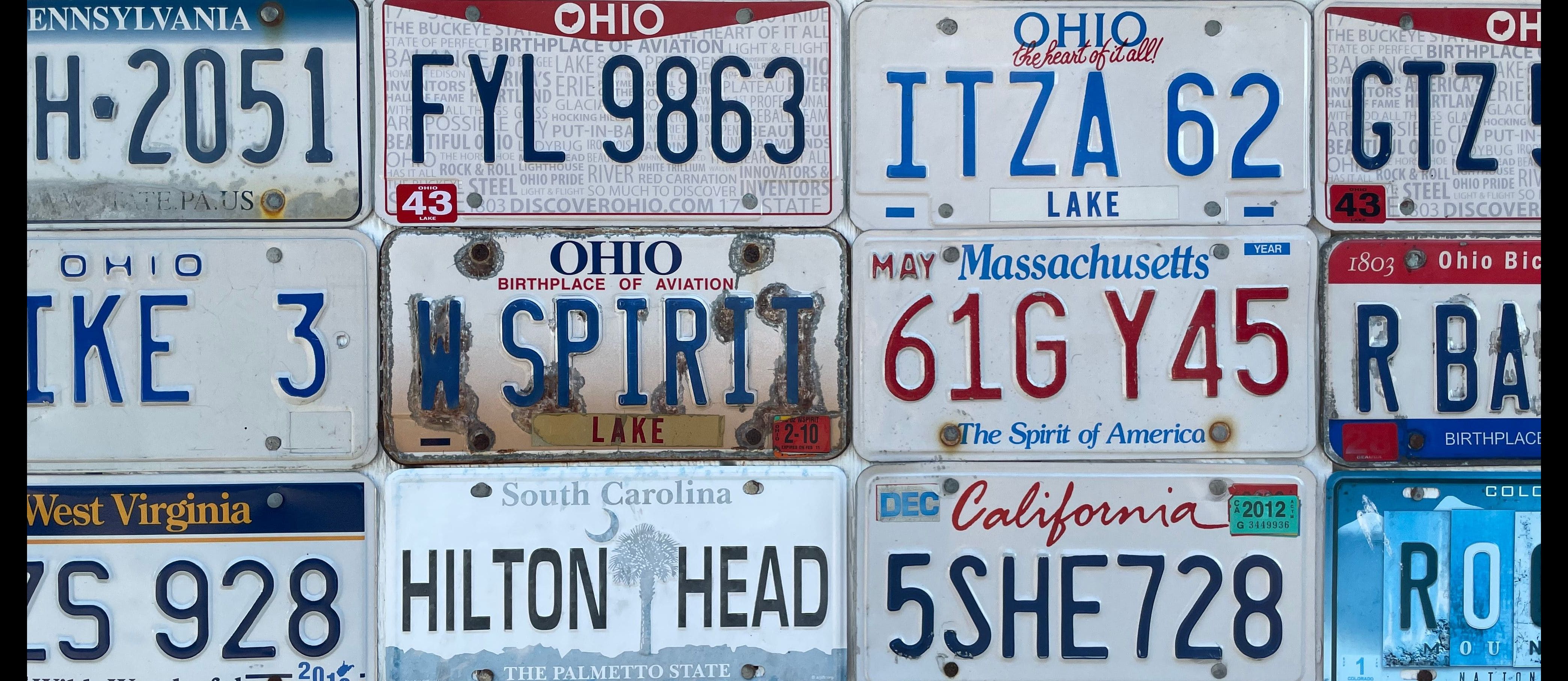
State-Specific Number Plate Format in Mumbai: Decoding the RTO code
Vehicle registration numbers follow a standard format that identifies the state and the registering authority.
A typical Mumbai registration number looks similar to this:
Example | Meaning |
MH | Maharashtra state code |
01 | RTO office code |
AB | Series |
1234 | Vehicle number |
Understanding vehicle owner details by number plate also includes recognising the registration format. The first letters identify the state, followed by the RTO office code and the vehicle number.
Is it Legal to Check Someone's Vehicle Details by Number Plate in Mumbai?
Yes, it is legal to use official government platforms to check vehicle details that are made publicly available. These services provide limited registration-related information while protecting personal privacy. Users should access only authorised websites and applications for verification purposes. Information obtained should be used responsibly and only for genuine reasons such as purchasing a used vehicle or verifying registration records.
Protect Your Vehicle in Mumbai: Motor Insurance from SBI General
Along with checking car owner details through official sources, protecting the vehicle with a suitable motor insurance policy is equally important.
Once you have verified the vehicle details and completed the required documentation, consider securing your vehicle with car insurance from SBI General Insurance. With access to 8700+ network garages and branches across 140+ locations, quick claim approvals, and a hassle-free claims process, you can stay financially prepared for unexpected events on the road.
Conclusion
Checking vehicle information through official transport platforms helps buyers and vehicle owners verify important registration records with confidence. Using authorised websites and mobile applications, reviewing documents carefully, and following official procedures contribute to informed vehicle ownership and a smoother buying experience.
FAQs
1. What if the details on VAHAN don't match the physical RC?
If the details available on the VAHAN portal do not match the information mentioned on the physical Registration Certificate (RC), it is advisable to verify the documents carefully before taking any further steps. Sometimes, recently updated records may take time to appear online, or there could be differences caused by data updates.
If the mismatch continues, the vehicle owner or prospective buyer should contact the concerned Regional Transport Office (RTO) with the required documents for verification. The RTO can review the records and guide you through the appropriate process if any correction is required.
2. How do I check pending e-challans for a vehicle in Mumbai?
Pending e-challans can be checked through the official traffic police portal or the authorised transport department website by entering the vehicle registration number or the challan number, depending on the available search options. The portal generally displays the status of unpaid challans along with other relevant details.
3. Can I check if a Mumbai vehicle has an active loan or hypothecation?
Yes, limited information related to hypothecation may be available through official vehicle information services. If a vehicle has been financed, the registration records may mention the lending institution associated with the vehicle, depending on the available records.
For complete confirmation, buyers should also examine the original Registration Certificate and request supporting documents from the seller. If required, they can contact the concerned RTO for additional guidance before completing the purchase.
4. How do I verify if a vehicle in Mumbai has been reported stolen?
If you want to verify whether a vehicle has been reported stolen, it is advisable to use the appropriate government or law enforcement portals wherever such services are available. Buyers should also ask the seller for the original registration documents and verify all available records carefully.
5. Why does VAHAN show "record not found" for a newly registered vehicle?
A "Record Not Found" message may appear if the vehicle registration details have not yet been updated in the online database. Newly registered vehicles can sometimes take a short period before their information becomes available on official digital platforms.
If the message continues to appear after some time, the vehicle owner can contact the concerned RTO to confirm whether the registration process has been completed successfully. The RTO can also provide information if any additional formalities are pending.
6. Can I check details of an out-of-state vehicle spotted in Mumbai?
Yes, official vehicle information platforms generally allow users to search vehicles registered in different states by entering the complete registration number. The available information depends on the records maintained by the transport authorities and the details that are permitted for public access.
This blog is intended solely for educational and informational purposes. Content reflects data at time of publication and may not accurately reflect current premiums, terms, or regulations. Readers are encouraged to confirm the accuracy and relevance of the data before making any significant decisions. SBI General Insurance disclaims responsibility for any errors or consequences arising from the use of outdated information provided herein. For more details, please refer to the policy wordings and prospectus before concluding the sales. *Add-ons are subject to payment of additional premium.
Access and manage all your Insurance Needs in one place, right at your Fingertips.



4/5*
Access and manage all your Insurance Needs in one place, right at your Fingertips.


Vision
Our vision is to become the most trusted general insurer for a transforming India.
Mission
Our mission is to provide simple and innovative general insurance solutions, be responsive to our customers' needs and build a sustainable business for the future.
We're socially active!