

 Contact Us

 Other Insurance
Check Vehicle Owner Details by Number Plate in Patna
Date: Jul 24, 2026 - Last Modified Jul 28, 2026


When you come across a vehicle for sale or are involved in a dispute, you may need to verify its ownership details. In such cases, the vehicle registration number can help you access key information through the Parivahan Sewa portal. This may include the vehicle owner’s name, Registration Certificate (RC) details, car insurance status, and other vehicle-related information. These details can be useful for insurance claims, legal matters, or other necessary communication. This blog explains how to check vehicle owner details online using the number plate.
How to Check Vehicle Details by Number Plate?
You can get car owner details through the Parivahan Sewa website, the mobile app, or its SMS service.
Parivahan Sewa website:
To check Patna vehicle owner details, residents can use the Parivahan Sewa website:
Visit the Parivahan Sewa website.
On the homepage, click on the “Informational Services” option.
Select “Know Your Vehicle Details” from the drop-down menu.
The Citizen Login screen will appear.
Create an account to access RTO vehicle information.
If you already have an account, log in using your mobile number.
Generate an OTP.
Enter the OTP in the designated field to proceed.
Enter the vehicle's number to view its details.
Input the Captcha.
Click on “Search Online”.
The vehicle details will appear on your screen.
Parivahan Sewa Mobile App:
Download the NextGen mParivahan Mobile App.
Create a new account or sign in to your existing account by entering your mobile number.
Authenticate the account creation or the login with an OTP.
Click on the “Know Your Vehicle Details” option.
Enter the vehicle's number to view its details.
Input the Captcha.
Click on “Search Online”.
Key car owner details will be displayed on the screen.
What RTO Vehicle Details in Patna Can You Fetch Online With a Number Plate?
One can get the following vehicle details by number plate:
Vehicle owner’s name. (Note: The owner's name is partially displayed to protect their privacy.)
Vehicle Type: Car, Two-Wheeler, Three-Wheeler, etc.
Vehicle Usage: Personal or Commercial (Note: Details of certain commercial vehicles, such as ambulances and government vehicles, may not be available to ensure privacy and security.)
Vehicle’s make
Vehicle’s model
Vehicle Registration date
Vehicle Registration Certificate (RC) number
Vehicle Engine number
Vehicle Chassis number
Road Tax Amount and Validity
Pollution Under Control (PUC) Certificate
Vehicle Fitness Testing Certificate (Availability may vary by region)
Motor insurance details.
What Are the Different Scenarios to Check a Vehicle Owner's Details?
Here are common scenarios in which you would like to check vehicle owner details:
Report a road accident
If you are involved in a road accident, you will naturally want to identify the vehicle owner and hold them responsible for the mishap. You can get vehicle owner details by number plate Patna online. You can use the information to file a third-party insurance claim or take legal action against the vehicle owner.
Verify ownership for sale
Are you planning to buy a second-hand car? Before proceeding with the purchase, verify that the seller is the vehicle’s lawful owner. Checking the vehicle owner details online can be helpful here. You can cross-check the retrieved details with the information provided by the seller.
Raise a traffic violation ticket
As a responsible citizen, you can report traffic violations or reckless driving to the concerned authorities. You can get the necessary vehicle details by number plate Patna online. These vehicle details, along with your firsthand report, can help you file a complaint.
Confirm an abandoned vehicle
An abandoned vehicle can be a significant cause for concern. It may create safety risks and obstruct traffic, leading to congestion. A simple and reliable way to confirm an abandoned vehicle is by getting vehicle owner details Patna online.
Ensure legal compliance
Have you been stopped by the traffic police for a routine vehicle inspection? You don’t have to panic if you do not have the required details and documents handy. You can easily access your vehicle details through the “Know Your Vehicle Details” service online.
Conclusion
Whether you are dealing with a road accident, verifying ownership before buying a vehicle, or complying with a traffic police inspection, accessing Patna vehicle owner details can be helpful. You can access the details via the Parivahan Sewa website or the mobile app. You can access key information such as the vehicle owner’s name, Registration Certificate (RC) number, Car Insurance type and validity, and more.
Once you have verified the RTO vehicle information, consider protecting your vehicle with car insurance from SBI General Insurance. With access to 8700+ network garages, presence across 140+ locations, quick claim approvals, and a hassle-free claims process, you can stay financially prepared for unexpected events. You can also complete your car insurance renewal on time to maintain continuous coverage and avoid a break in your policy.
FAQs
1. What if the details on VAHAN don't match the physical RC?
Ideally, the physical RC and Parivahan Sewa details should match. If you notice any mismatch, it may indicate that the official records have not been updated. Take the necessary steps to get them corrected at the earliest.
2. How to check Patna vehicle details online?
You can check Patna vehicle details by running its number in the following ways:
Visit the Parivahan website
Download the NextGen mParivahan Mobile App
3. What vehicle details can you get by searching its number plate online?
The following is common RTO vehicle information you can get by searching its number plate online:
Vehicle owner’s name (Partial name is displayed)
Vehicle Registration Certificate (RC) details
Insurance details and more
4. Why does VAHAN show "record not found" for a newly registered vehicle?
The Parivahan Sewa portal may display "No Record Found" for newly registered vehicles, as the car owner details may still be being updated in the online records.
5. Can I check details of an out-of-state vehicle spotted in Patna?
Yes, you can check the car owner details of an out-of-state vehicle spotted in Patna.
Note: The given information has been compiled from digitally available resources and is indicative in nature. It is subject to change due to several factors. Individuals are advised to verify information with their nearest RTO before proceeding.
This blog is intended solely for educational and informational purposes. Content reflects data at time of publication and may not accurately reflect current premiums, terms, or regulations. Readers are encouraged to confirm the accuracy and relevance of the data before making any significant decisions. SBI General Insurance disclaims responsibility for any errors or consequences arising from the use of outdated information provided herein. For more details, please refer to the policy wordings and prospectus before concluding the sales. *Add-ons are subject to payment of additional premium.
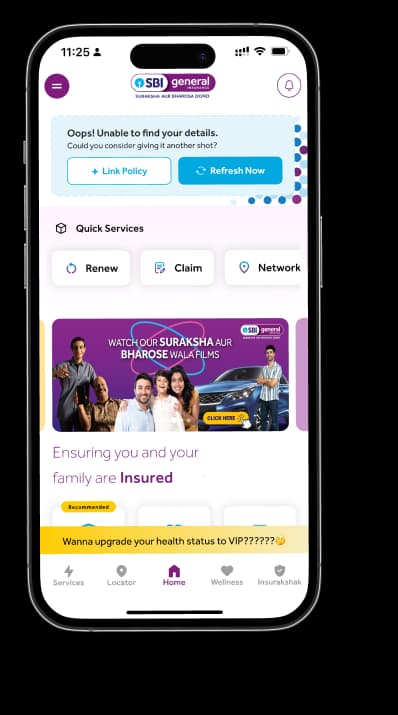
Access and manage all your Insurance Needs in one place, right at your Fingertips.


4/5*
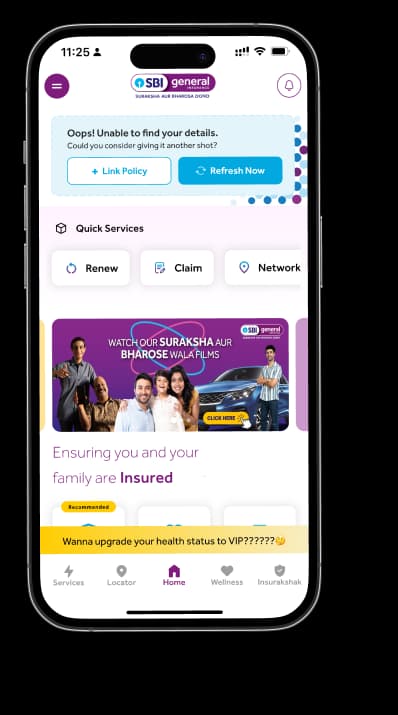
Access and manage all your Insurance Needs in one place, right at your Fingertips.


Vision
Our vision is to become the most trusted general insurer for a transforming India.
Mission
Our mission is to provide simple and innovative general insurance solutions, be responsive to our customers' needs and build a sustainable business for the future.
We're socially active!